
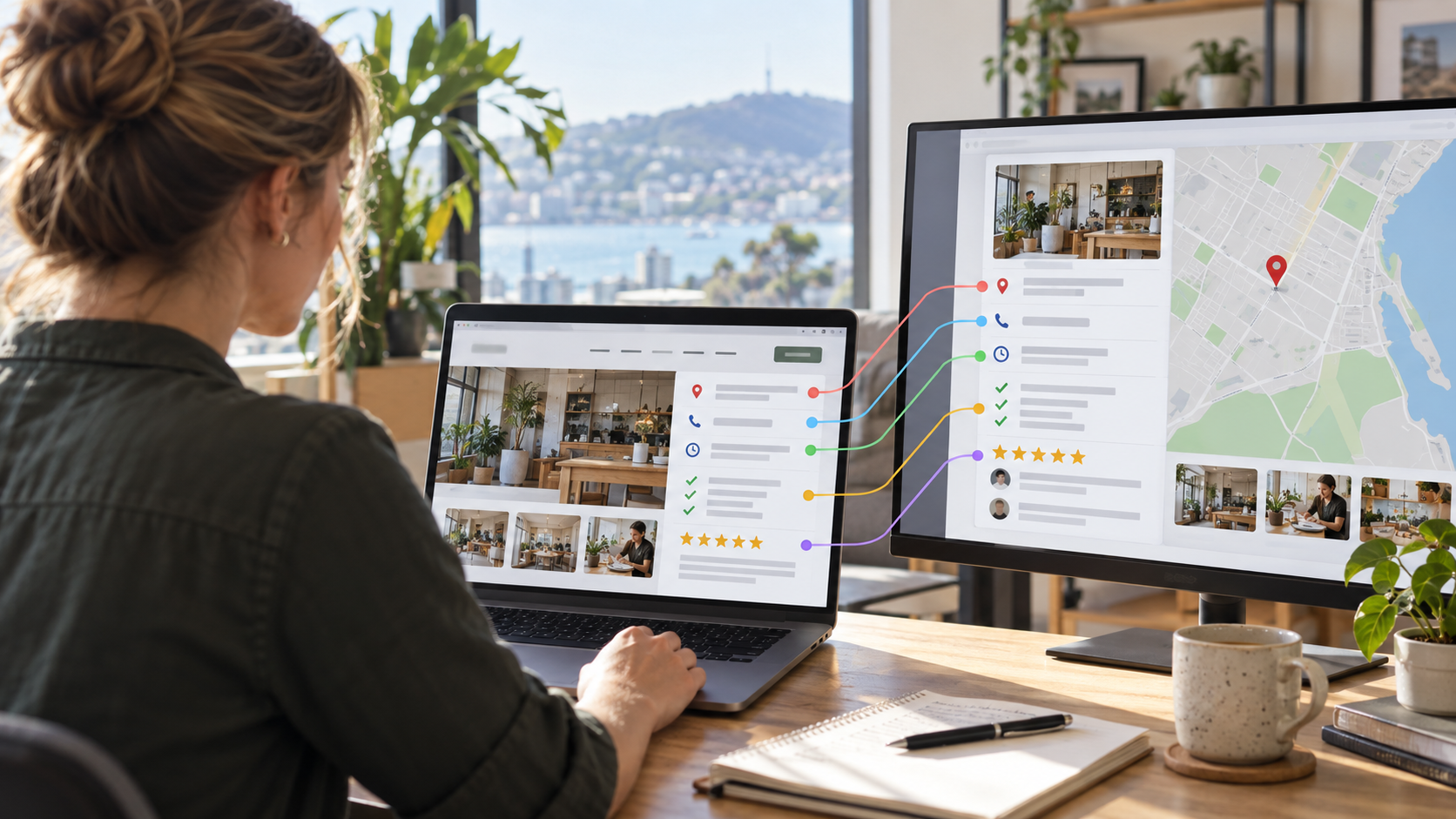
If you’re wondering whether your Google Business Profile should match your website, the simple answer is yes — where the information represents the same facts about your business . Google uses information from a range of sources to understand who you are, what you do, where you operate and which searches your business may be relevant for. Your website and Google Business Profile are two of the most important pieces of that picture. That doesn’t mean every word on your website needs to be copied onto your Google Business Profile. It does mean that your core business information, services, locations and overall message should tell a consistent story. When they don’t, you can create confusion for potential customers — and make it harder for Google to clearly understand your business. 1. Make Sure Your Core Business Information Matches The first place to start is with the basic information about your business. When I carry out Google Business Profile audits, I regularly find simple inconsistencies between the profile and the company website. These can include: Different phone numbers Different addresses Incorrect opening hours Out-of-date holiday hours Different business names Conflicting information about where the business operates These may seem like minor details, but consider them from a customer's point of view. If your Google Business Profile says you close at 5:00 pm but your website says 5:30 pm, which one should they believe? If I’m carrying out an audit and I can't work out which information is correct, a potential customer could have exactly the same problem. Your website should reinforce the information people see on your Google Business Profile. Remember Your Special Opening Hours Another commonly overlooked area is special hours. Public holidays, regional holidays and Christmas opening hours can all affect when your business is available. Your Google Business Profile allows you to specify special hours rather than changing your normal opening hours every time a holiday occurs. Keeping this information up to date helps customers know when they can contact or visit you. Where appropriate, the information on your website should also reflect significant changes to your normal trading hours. 2. Be Clear About the Areas You Serve If you're a service-area business, your Google Business Profile allows you to specify the geographical areas you serve. Your website should support this. That doesn't mean stuffing dozens of town names into every page. Instead, make it obvious where you genuinely provide your services. You might include service areas: In your website footer On your contact page Within individual service pages On dedicated location pages where appropriate In your About or Service Areas section For example, if your Google Business Profile tells Google that you operate throughout Christchurch and surrounding areas, but your website never mentions Christchurch, there is less supporting information connecting the website to that location. The goal is consistency. Your Google Business Profile and website should both give customers a clear understanding of where you operate. 3. Match Your Categories With the Services You Actually Provide One of the biggest problems I see with Google Business Profiles is businesses adding a huge list of services while paying very little attention to their categories. Your primary category is extremely important because it helps Google understand the main type of business you operate. You can also add relevant secondary categories where they genuinely describe other important parts of the business. The mistake is choosing one broad category and then adding every imaginable service beneath it. Instead, think about the structure logically. Your Profile Should Tell a Clear Story Let's say a business offers several distinct groups of services. Its Google Business Profile categories should accurately represent those areas where suitable categories exist, while its services should describe what the business actually provides. Your website should then support those services with useful content. Ideally, someone should be able to look at your Google Business Profile and then visit your website and immediately recognise the same business. They should see the same core services, locations and overall offering. Google should be able to make the same connection. 4. Your Website Should Support What Your Profile Says Your website gives you much more space than your Google Business Profile to explain what you do. Use it. If an important service appears on your Google Business Profile, there should usually be relevant supporting information somewhere on your website. That could be a dedicated service page or a clearly defined section of another page. For example, if you're an electrician and your Google Business Profile prominently lists heat pump installation, your website should contain useful information about your heat pump installation service. The website adds context that a Google Business Profile simply doesn't have room to provide. The two work together. 5. Reviews Can Reinforce Your Services Reviews are another valuable part of the picture. A customer describing the actual service you carried out provides useful information to prospective customers who are comparing businesses. For example, a review saying: “James installed our new heat pump and explained everything clearly.” is far more informative than a review that simply says: “Great company.” Both reviews are positive, but the first tells future customers something about the service that was provided. Reviews can therefore help reinforce the services associated with your business while also giving prospective customers reassurance that other people have successfully used you for the same type of work. 6. Use Your Google Business Profile Content Consistently Your profile gives you several opportunities to reinforce what your business does. Depending on your business and what Google makes available for your category, these may include: Services Photos Updates or posts Products Reviews Business description Website links These elements should support the same overall message customers find when they reach your website. You don't need to duplicate everything word for word. In fact, you shouldn't. The objective is consistency of meaning , not identical content. If your website presents you as a specialist in one area while your Google Business Profile suggests that you primarily provide something completely different, there is a disconnect. 7. Check Your Google Business Profile Performance Once you start improving your profile and website, keep an eye on performance. Google Business Profile provides performance information showing how people interact with your listing. Depending on the information Google currently makes available, this can include actions such as: Calls Website clicks Direction requests Search activity Don't judge changes after only a couple of days. Local visibility is affected by numerous factors, including relevance, distance, competition, reviews and the searcher's location. Instead, look for trends over a longer period. The key question is whether you're gradually getting greater visibility for the right searches — and whether that visibility is turning into enquiries. A Simple Way to Check Everything There are quite a few things to check when comparing your website with your Google Business Profile. That's why I've created a Google Business Profile checklist that walks through the areas you should review. It covers both the Google Business Profile and the website, helping you identify information that is missing, inconsistent or needs improving. I've also included accompanying videos that explain the individual steps. If you'd prefer someone to look at your profile specifically and identify areas that could be improved, you can also start with a free Google Business Profile audit . Conclusion So, should your Google Business Profile match your website? For your core business information and the story you're telling customers, absolutely. Your business name, address, phone information, opening hours, service areas and key services should be consistent wherever they appear. But don't think of your website and Google Business Profile as duplicates. Think of them as two parts of the same system. Your Google Business Profile helps people discover and evaluate your business directly in Google Search and Maps. Your website gives them the deeper information they need to understand your services and decide whether you're the right business for them. When both communicate the same clear message, you're making things easier for Google — and, just as importantly, easier for your prospective customers.
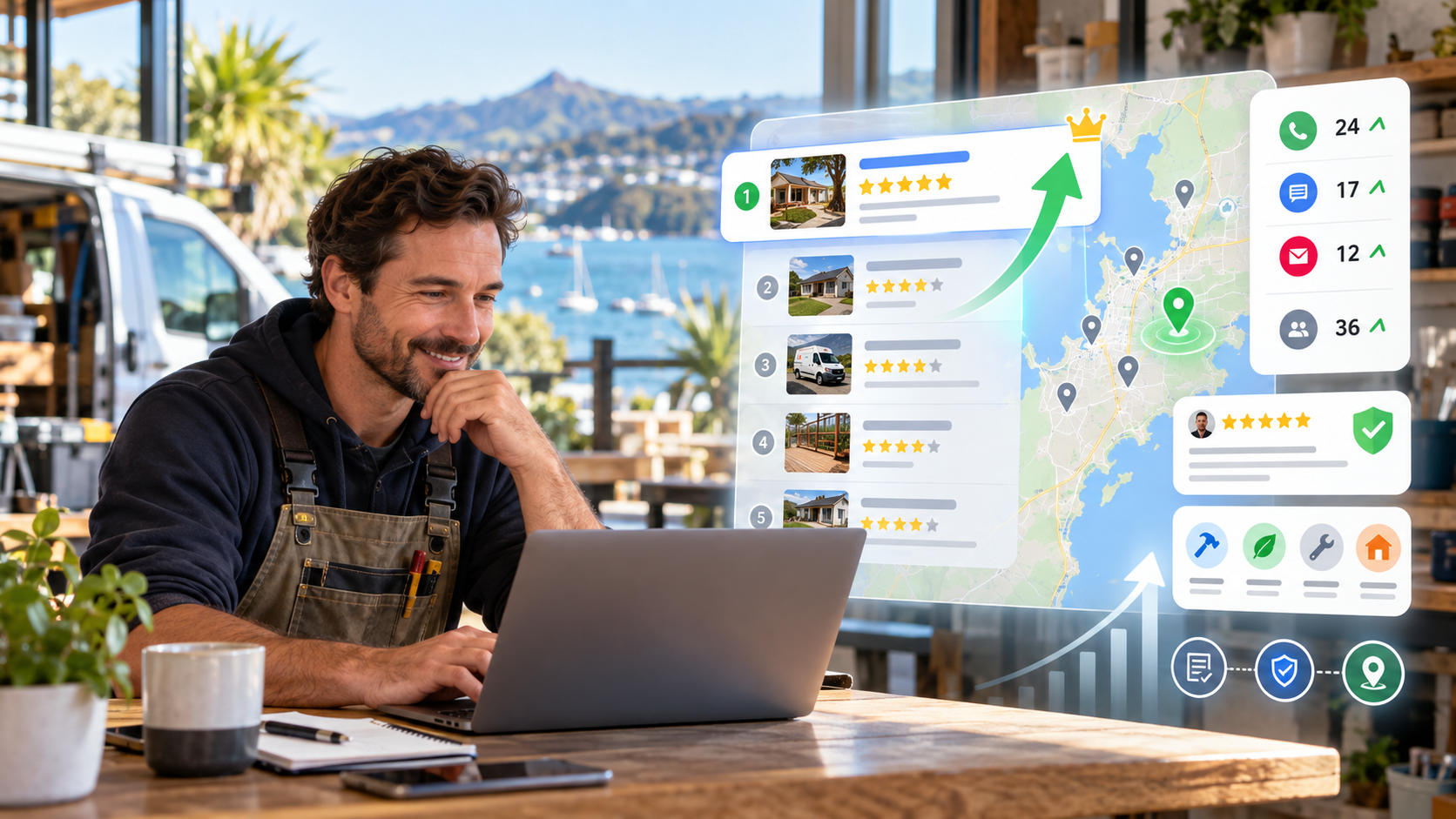
If you're asking yourself, how do I get my business higher on Google Maps? , there are several areas you need to look at. Google doesn't rank local businesses based on one single factor. Instead, local results are mainly influenced by relevance, distance and prominence. You can't control where the person searching is located, but you can improve how clearly Google understands your business and how strong your business appears compared with local competitors. In this article, we'll look at three areas that can help: Make your business more relevant Build more trust Strengthen your local authority These won't guarantee a particular Maps position, but they can help improve the signals Google uses when deciding which businesses to show in local search results. 1. Make Your Business More Relevant One of the first things to look at is your Google Business Profile categories. Many businesses set up their profile, choose one category and never look at it again. For example, a plumbing company might choose: Plumber That may be exactly the right primary category. However, the business may also genuinely operate in other areas that Google provides separate categories for. Depending on the company, those could include services connected with gas fitting, drainage or other specialist work. Google allows one primary category and additional categories, but the important thing isn't to add as many as possible. The categories should genuinely describe what the business is. Google specifically recommends choosing a small number of categories that accurately represent the business rather than adding a category for every individual service. Add the Services You Actually Provide Your services are another useful way of giving Google more information about what your business does. If you're a plumber, for example, you might provide services involving: Hot-water systems Drainage Gas fitting Water filtration Leak repairs Only include services you genuinely provide. The aim is to make your Google Business Profile as accurate and complete as possible. Your website should also support what you're saying on your profile. If you have an additional business category or important service on your Google Business Profile, ideally there should be relevant information about that area on your website as well. Google uses information from Business Profiles, websites and other sources when building its understanding of a local business. The clearer and more consistent that information is, the easier it is for Google to understand which searches your business may be relevant to. 2. Build More Local Trust The second area is trust. Reviews are one of the most visible trust signals on a Google Business Profile. Google says that the number of reviews and positive ratings can contribute to local prominence, which is one of the main factors used in local rankings. Reviews also matter enormously to potential customers. Imagine somebody is comparing three local plumbers. One has only a handful of old reviews. Another has a steady stream of recent feedback from customers talking about specific jobs they've completed. That can make the second business look far more established and credible. Encourage Genuine Customer Feedback The best reviews often include useful detail. For example: "Great service." is useful. But something like: "They installed our new water softener, explained how everything worked and left the area tidy." gives a potential customer much more information. It helps confirm what kind of work the business actually carries out. You shouldn't tell customers exactly what to write or offer incentives for positive feedback. Instead, make asking for genuine reviews part of your normal follow-up process. Consistency matters. A regular flow of customer feedback is generally more useful than getting a burst of reviews and then nothing for months. You should also reply to reviews naturally and helpfully. Google specifically recommends responding to reviews because it shows customers that you value their feedback. If you're not sure which areas of your profile need attention, my Google Business Profile Checklist gives you a useful starting point. Keep Your Business Information Accurate Trust also comes from getting the basics right. Your business hours should be accurate. Your special hours should be updated for holidays and other changes. Your phone number, website and business details should all be current. Google says complete and accurate Business Profile information makes a business more likely to appear in relevant local search results. This is one of the simplest things to check, yet it's surprisingly common to find profiles with outdated opening times, incorrect website links or missing information. 3. Strengthen Your Local Authority The third area is local authority, or what Google calls prominence . Prominence is Google's way of assessing how well-known a business is. Google says this can be influenced by information it finds around the web, including links to the business and customer reviews. This is where your broader online presence becomes important. Your business may appear on: Local directories Industry directories Trade organisations Local business websites Supplier websites Community websites These mentions can help reinforce information about your business. Traditionally, these listings are often referred to as citations , especially when they include your business name, address and phone number. The most important thing is accuracy. If your business details appear across several websites, make sure they're consistent and current. Add Useful Photos and Videos Photographs and videos are also valuable parts of your Google Business Profile. Google recommends adding photos and videos that show your storefront, products and services because they help customers understand what your business offers. For a local service business, useful examples could include: Before-and-after photographs Recently completed jobs Your team Your vehicles Your premises Tools and equipment Different services you provide Before-and-after photos can be particularly effective because they quickly show the transformation you've achieved for a customer. If you're repairing a roof, laying tiles or renovating a bathroom, the finished result can often communicate far more quickly than a long description. Video can work well too. You might briefly explain: What problem you found What work you're carrying out Why you've chosen that solution What the finished result looks like This type of content is valuable primarily because it gives prospective customers useful evidence of the work you do. Don't Chase One Ranking Trick If you want to get your business higher on Google Maps, don't concentrate on finding one clever trick. Google's own guidance points back to three broad factors: Relevance — how closely your business matches the search. Distance — how far the business is from the person searching. Prominence — how well-known and established the business appears. You can't control all three. You can't change the searcher's location. But you can improve your relevance and prominence by giving Google better information and building a stronger overall local presence. What Should You Do Next? Start by comparing your Google Business Profile with the businesses that regularly appear above you. Look at: Their categories Their services Their reviews Their photographs Their website Their wider online presence Then look for the gaps in your own profile. You don't necessarily need to change everything at once. A series of small improvements can gradually make your business easier for Google to understand and more convincing to the customers who find you. If you'd like a more structured way to work through your profile, you can start with my FREE Google Business Profile Audit . It can help identify the areas that may be holding back your local visibility
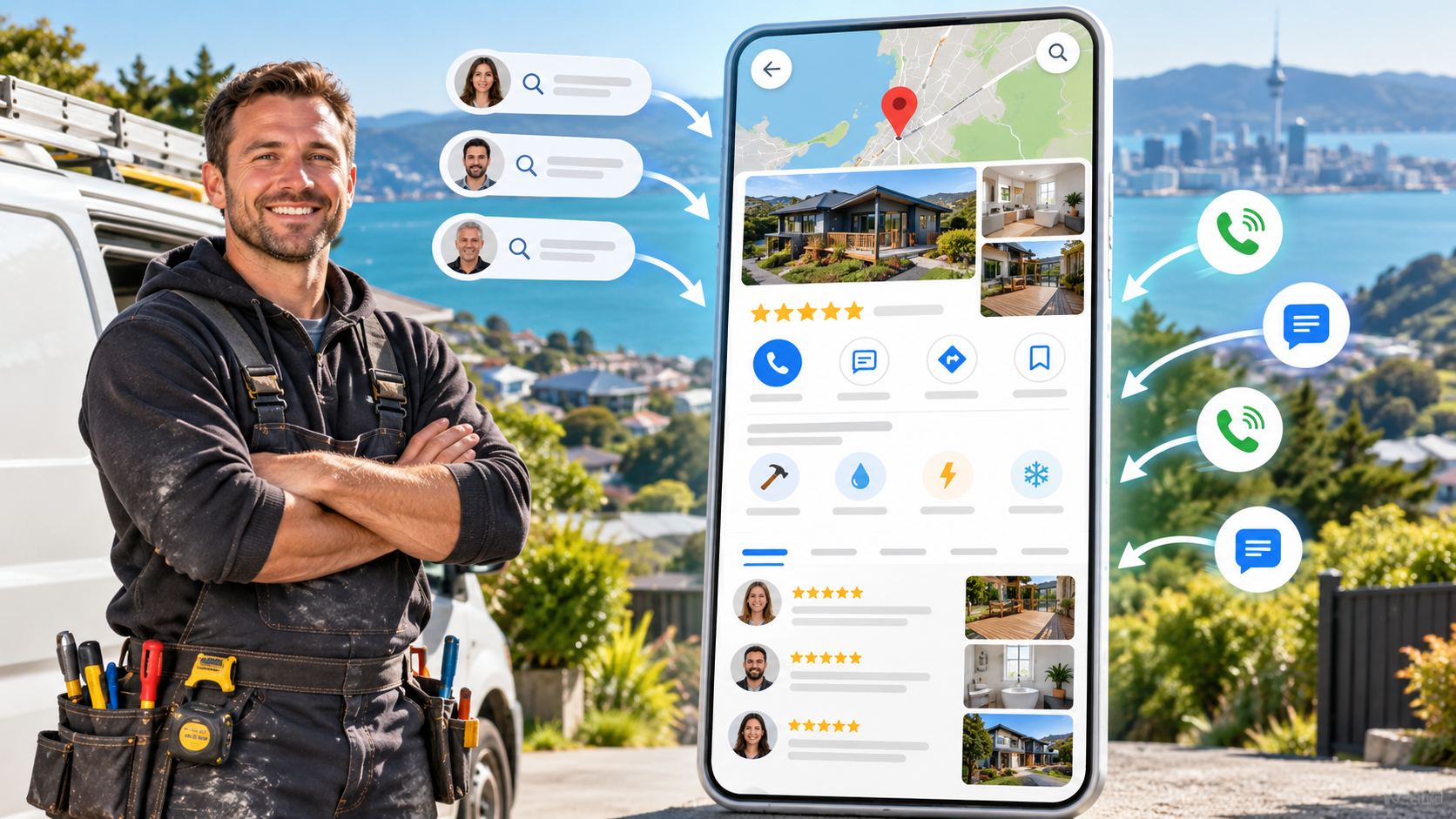
If you're asking yourself, how do I get more calls from my Google Business Profile? , one of the first things to understand is that simply creating a profile isn't enough. A lot of businesses set up their Google Business Profile, add their basic information and then do very little with it. Months later, they wonder why they aren't getting as many calls and enquiries as they expected. Your Google Business Profile can be one of th e most valuable ways to generate local enquiries, but it needs to give Google enough information to understand what your business does and give potential customers enough confidence to contact you. There are three main areas I'd focus on: Increasing your visibility for relevant local searches Building trust through genuine customer reviews Making it easier for people to contact you There are also a few additional things you can do to keep your profile current and give potential customers more reasons to choose your business. 1. Make Sure You're Using the Right Business Categories One of the first areas to check is your Google Business Profile categories. When many businesses create their profile, they choose one obvious category and stop there. For example, a plumber might choose: Plumber That's a sensible primary category if plumbing is the main part of the business. But that same plumber might genuinely provide other types of work that have relevant Google Business Profile categories available. Depending on the business, that could include areas such as gas fitting, drainage or other specialist services. The important thing is that the categories you select should accurately represent what your business actually does. Don't add categories simply because you want to appear for more searches. Why Additional Categories Can Matter Categories help Google understand what type of business you are. If Google only has information about one part of your business, it may have less context about the other services you provide. Adding genuinely relevant categories can therefore help Google understand more about your business and the types of searches your profile may be relevant to. Your website should support this information as well. For example, if you say you provide a particular type of specialist service, ideally your website should contain useful information about that service. You're giving Google a consistent picture of what you do. More relevant visibility creates more opportunities to appear in front of local customers — and ultimately more opportunities to generate calls. 2. Get Reviews More Consistently The second area to focus on is reviews. Visibility gets people to your profile. Reviews can help give them the confidence to contact you. When somebody is comparing several businesses, there's a good chance they'll look at the reviews before making their decision. Imagine somebody needs a plumber. They find three businesses nearby offering the service they need. One has very few recent reviews. Another has plenty of recent reviews from real customers describing the work they've had completed. Which business is likely to give the potential customer greater confidence? That's why I often describe Google reviews as your digital word of mouth . Your previous customers are effectively helping future customers decide whether they should contact you. The Content of Your Reviews Matters Too The number of reviews is important, but what customers actually say can be valuable as well. Compare these two reviews: "Great service." And: "James repaired our leaking hot-water cylinder, arrived when he said he would and left everything clean and tidy." The second review gives a potential customer much more information. It confirms the type of service provided and describes the customer's experience. You shouldn't tell customers exactly what to write, and you shouldn't offer incentives in return for positive reviews. Instead, build a simple process for asking genuine customers to leave feedback after you've completed their work. The key is consistency. Rather than collecting ten reviews and then doing nothing for a year, make requesting reviews part of your normal customer follow-up process. If you're not sure what else needs checking on your profile, my Google Business Profile Checklist can help you work through the main areas step by step. 3. Make It Easier for People to Contact You The third thing is making it as easy as possible for someone to get in touch. Different customers prefer different ways of communicating. Some people want to call. Others prefer to send a message. Some customers use WhatsApp. Others would rather click through to your website and complete an enquiry or booking. The fewer barriers you place between somebody finding your business and contacting you, the better. Check the contact options available on your Google Business Profile and make sure the ones that are relevant to your business are properly configured. Make sure your telephone number is correct. Add messaging options where they're available and appropriate. If you use appointment or booking links, make sure they send the customer somewhere useful. For example, if you have a specific booking or enquiry page, it's usually better to send someone directly there rather than making them search through your website trying to work out what to do next. Make the next step obvious. 4. Keep Your Google Business Profile Up to Date There's also another simple principle worth following: Keep your profile current. Your basic business information should always be correct, including: Business hours Special opening hours Telephone number Website Services Business information You should also consider regularly adding genuine photographs showing what's happening inside your business. That could include: Recently completed jobs Before-and-after photographs Your team Company vehicles Your premises Equipment Examples of different services These images help prospective customers get a better feel for your business before they contact you. If somebody has never dealt with your company before, they're looking for reasons to trust you. Good photographs, strong reviews and complete business information can all help build that confidence. Use Google Business Profile Posts Google Business Profile posts can also be useful for keeping customers informed about what's happening. You could use posts to show recently completed work, share a business update or promote an appropriate seasonal offer. For example, a roofing company might show before-and-after photographs from a recently completed roof clean. A plumber might highlight a particular service. A local service business might promote an offer during a traditionally quieter part of the year. You're giving customers more useful information when they're considering whether to contact you. More Calls Usually Come From Improving the Whole Profile There isn't normally one magic change that suddenly doubles the number of calls coming from your Google Business Profile. It's about improving several areas that work together. Make sure Google understands exactly what your business does. Use the most appropriate categories. Build a consistent collection of genuine customer reviews. Make it easy for customers to contact you. Keep your business information accurate. Add useful photographs and updates. When these things work together, you create a stronger Google Business Profile. And importantly, you may already have people finding your business. The opportunity might not simply be getting more visibility. It may be doing a better job of turning the visibility you already have into more calls and enquiries. What Should You Do Next? Take a look at your Google Business Profile alongside some of your strongest local competitors. Compare the categories they're using, the quality and consistency of their reviews, their photographs, their services and how easy they make it for someone to contact them. Then ask yourself one simple question: If I were the customer looking at these businesses, would my profile give me enough confidence to make the call? If you're not sure where the gaps are, you can start with a FREE Google Business Profile Audit . I'll look at your profile and identify areas that could be holding back the number of local calls and enquiries you're generating.