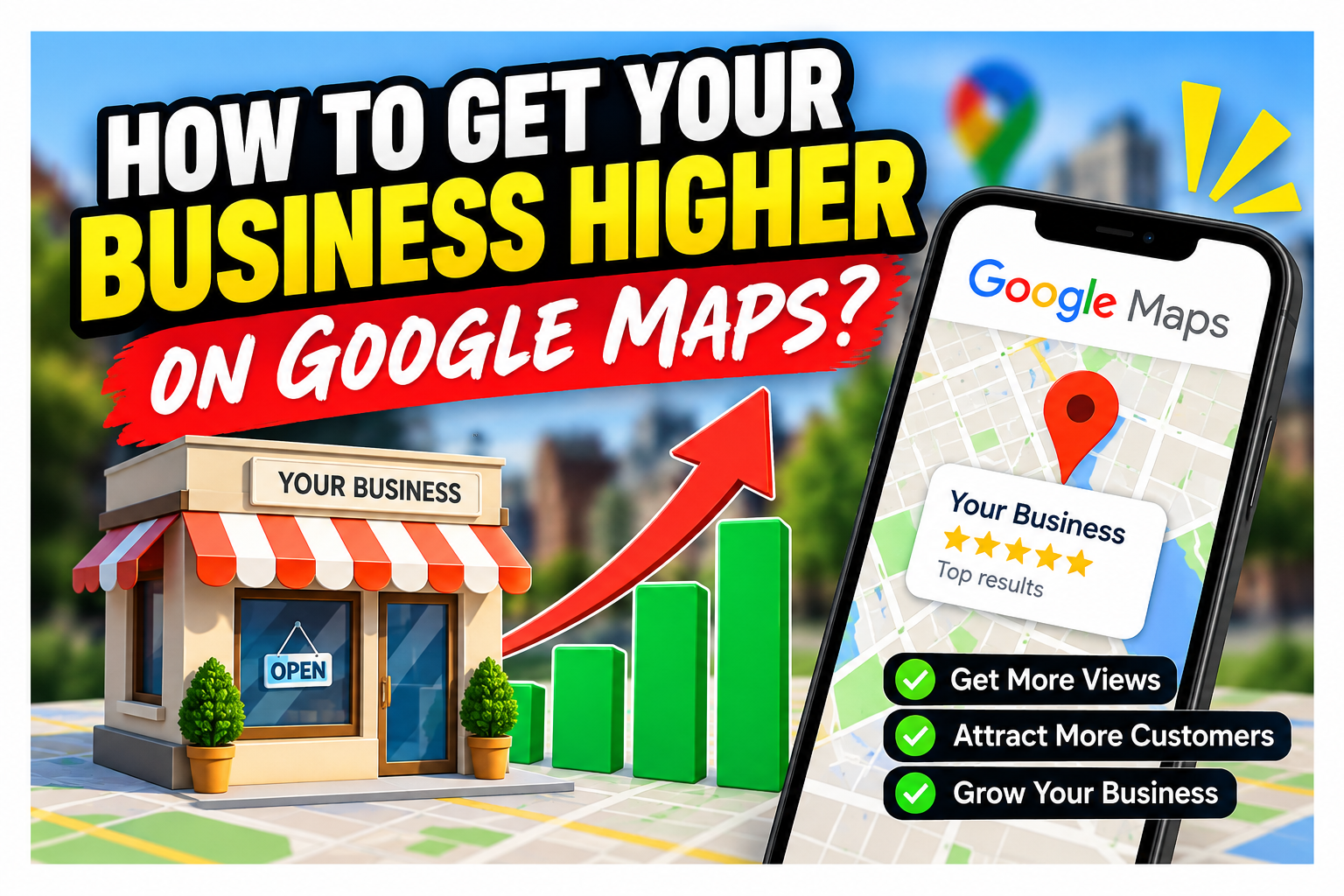
How do I get my business higher on Google Maps?
By James Roberts • September 11, 2026
This is a subtitle for your new post
The body content of your post goes here. To edit this text, click on it and delete this default text and start typing your own or paste your own from a different source.
If your business isn't appearing as high as you'd like on Google Maps, it doesn't necessarily mean there's something wrong with your Google Business Profile.
More often, Google simply has stronger signals from other local businesses and therefore more confidence in showing them ahead of you.
There are many factors that can influence local rankings, but three areas are particularly worth looking at:
- Relevance – does Google clearly understand everything your business does?
- Trust – does Google have enough evidence that you're a genuine, active local business?
- Authority – are there enough signals around the web supporting what you're telling Google?
In the video above, I explain these three areas. Below, I've broken them down into practical things you can check on your own business.
1. Make Your Business More Relevant
One of the first things I check is whether a business has told Google about all the services it actually provides.
Your Google Business Profile has a primary business category, but you can also add relevant additional categories.
This matters because your categories help Google understand which searches your business may be relevant for.
Don't Stop at Your Primary Category
Imagine you're a plumber.
Your primary category may simply be:
Plumber
But depending on the work you actually carry out, your business might also be relevant to categories covering areas such as:
- Gas fitting
- Drainage
- Hot water systems
- Heating
- Water treatment or water softening
- Bathroom-related services
The important point isn't to add as many categories as possible.
It's to find every category that genuinely describes work your business performs.
Check Your Services Too
Categories are only part of the picture.
Your Google Business Profile also allows you to list individual services.
Go through each relevant category and check the services Google makes available.
You may find services you perform every week but haven't actually added to your profile.
This gives Google more information about what you do.
Make Sure Your Website Backs It Up
This is where many businesses have a gap.
If your Google Business Profile says you're a gas fitter, for example, but your website barely mentions gas fitting, you're giving Google mixed signals.
Ideally, your website should support your Google Business Profile.
For important services, check whether you have:
- A relevant service page
- Clear descriptions of the work you perform
- Your location or service area
- Real examples of completed work
- Frequently asked questions about that service
- Photos showing the work
Think of your website and Google Business Profile as two parts of the same system.
The clearer and more consistent the information is, the easier you make it for Google to understand when your business is relevant.
2. Build More Local Trust
The next area is trust.
Google doesn't just need to understand what you do. It also needs evidence that you're an established business that customers actually use.
One of the strongest sources of that evidence is your customers.
Google Reviews Give Google More Context
Reviews aren't only about having a good star rating.
The actual wording customers use can give Google useful context about your business.
Compare these two reviews:
"Great job. Highly recommended."
and:
"We had a blocked drain at our home in Christchurch. They found the blockage, cleared the drain and explained what had caused the problem."
Both are positive reviews.
But the second contains much more useful information about:
- The problem
- The service provided
- The location
- The outcome
That's why I prefer asking customers for feedback, rather than simply asking:
"Can you leave us a five-star review?"
Ask them to explain:
- What problem did they have?
- What did you do to solve it?
- How did they find the service?
You're not telling customers what to write. You're simply helping them give meaningful feedback in their own words.
Reply to Your Reviews
Don't collect reviews and then ignore them.
Reply to them.
Where it's natural, your response can mention the service or job.
For example:
"Thanks for the feedback. It was great helping you with the new water softener installation in [suburb]."
That creates additional context around the work your business performs.
Consistency Matters
You should also check that your basic business information is accurate and consistent.
Pay particular attention to:
- Business name
- Address
- Phone number
- Website
- Normal opening hours
- Holiday hours
- Special opening hours
If your website says you're open and your Google Business Profile says you're closed, which one should Google trust?
Keeping these details accurate removes unnecessary uncertainty.
3. Build More Local Authority
The third area is local authority.
Google doesn't only look at your Google Business Profile and website.
It can find information about your business across the web.
You want those external signals to reinforce the same story.
Build Accurate Local Citations
A citation is essentially an online mention or directory listing containing information about your business.
You'll often hear people talk about NAP, which simply means:
Name – Address – Phone Number
Depending on the directory, your listing may also include:
- Website
- Business description
- Categories
- Services
- Opening hours
- Photos
There are numerous New Zealand, industry and local directories where a legitimate business may be listed.
The important thing is accuracy and consistency, rather than simply creating hundreds of poor-quality listings.
If Google repeatedly finds the same business information around the web, it provides another layer of evidence supporting your business.
Use Real Photos to Prove What You Do
Photos are another area local businesses often overlook.
Instead of relying entirely on stock photographs, build a library of pictures from real jobs.
For trades and service businesses, before-and-after photographs can be particularly effective.
Try photographing:
- The original problem
- Work in progress
- The finished result
- Your team carrying out the work
- Vehicles and equipment
- Different types of jobs you regularly complete
For before-and-after pictures, try taking both photographs from approximately the same position and angle.
It makes the transformation much easier for a potential customer to understand.
And remember: these photographs aren't just there for Google.
They're there for the person looking at your business and wondering:
"Can these people actually solve my problem?"
Real photographs help answer that question.
Video Can Be Even More Powerful
If you're comfortable doing it, take short videos while you're on a job.
They don't need to be professionally produced.
A simple phone video can work.
Before the Job
Explain:
- What the customer called you about
- What you've found
- What you think caused the problem
- What you're going to do
- Why you've chosen that solution
After the Job
Show the finished result and explain:
- What you did
- What you discovered
- How you solved it
- Anything the customer needs to know afterwards
You're demonstrating real experience rather than simply claiming you have it.
For potential customers, that's extremely powerful.
A Quick Google Maps Checklist
If you're trying to improve your visibility on Google Maps, start by checking these areas:
Relevance
- Have you selected the most appropriate primary category?
- Have you added all genuinely relevant additional categories?
- Have you added the services you actually provide?
- Does your website clearly support those categories and services?
Trust
- Are you regularly receiving genuine customer reviews?
- Do those reviews contain useful feedback about the work performed?
- Are you replying to your reviews?
- Are your business details and opening hours accurate?
Authority
- Is your business listed consistently on reputable directories?
- Is your name, address and phone number consistent?
- Are you regularly adding genuine job photos?
- Could you produce simple before-and-after photos or videos?
Don't Try to "Trick" Google – Give It Better Evidence
Getting higher on Google Maps isn't about finding one secret setting or stuffing keywords everywhere.
Think about it from Google's point of view.
Google is trying to decide:
What does this business do?
Where does it do it?
Can I trust the information?
Do customers appear to trust this business?
Is there enough evidence for me to confidently show this business to someone searching locally?
Your job is to make those questions easier for Google to answer.
Improve your relevance.
Build trust.
Build local authority.
And keep giving Google genuine evidence of the work your business actually performs.
Want to Go Further?
These are three important areas, but they're not the only things that can affect your Google Maps visibility.
In the next video, I cover another five things you can check on your Google Business Profile and website to help strengthen your local visibility.
Watch that next if you want to continue working through the checklist and find out what else might be holding your business back.
Latest Episode
Insights to fuel your business
Get insights, trends, and more in your inbox.
And the most asked question video every Tuesday at 7am
Blog Form
We will get back to you as soon as possible.
Please try again later.
James Picks
SHARE THIS