
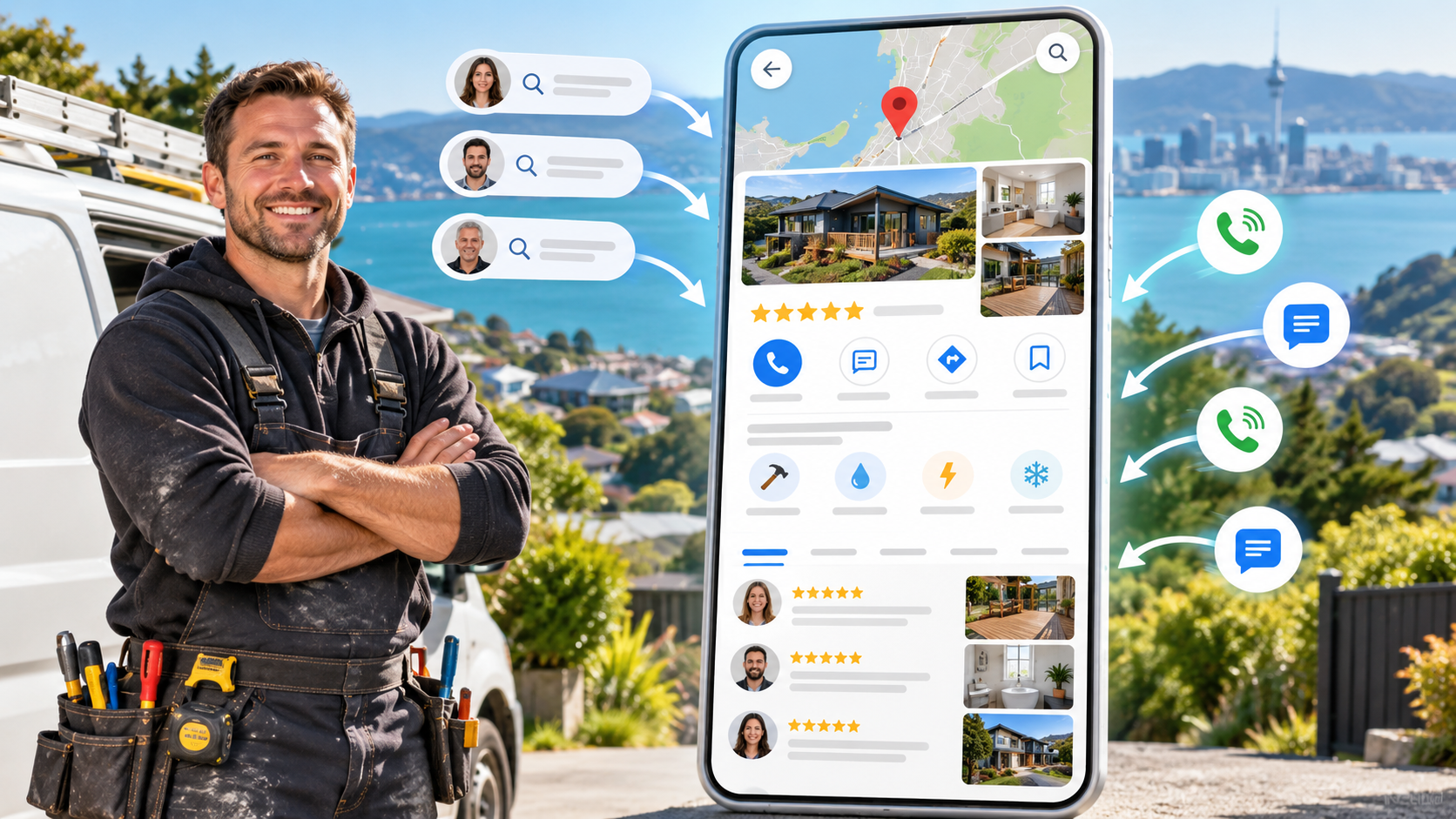

Imagine someone in Christchurch searches for a plumber because their hot water cylinder has stopped working. Your business does that job every week. But if your Google Business Profile says very little about your services, your website only says “general plumbing”, and the business down the road has recent reviews from people with the same problem, who would you call? If you want to rank higher on Google Maps and turn that visibility into enquiries, start by making three things clear. Show what you do, give customers evidence that you do it well, and make your business easy to recognise wherever it appears online. 1. Use categories and services to show Google what you do Pick categories that describe the business you actually run Your primary category should describe your main line of work. A plumber who spends most of the week fixing leaks, replacing cylinders and clearing drains would start with the category that best describes that business. If the same company also offers gasfitting, a relevant secondary category can help describe that side of the business. Look at your secondary categories one by one. Could you point a customer to recent work or a page on your website that shows you offer it? If you’d struggle to explain why a category belongs there, it probably deserves another look. The goal is to cover the work you actually do and want to be found for. Match your profile to your website Categories describe the type of business you run. Services tell people what they can call you for. “Hot water cylinder replacement” and “blocked drain clearing” give a customer more to go on than “all plumbing work”. Open your profile and website side by side. Pick three jobs you’d like more of and see how easy it is to find each one in both places. If your profile lists cylinder replacement, your website should help someone work out whether you can replace their cylinder, whether you cover their suburb, and how to book. Give the jobs that matter most enough room for those details. My Google Business Profile checklist can help you work through the profile while you compare it with your site. 2. Build trust with reviews that explain the job Ask for honest feedback while the work is fresh Think about the last time you hired someone to work on your home. A five-star “Great service” is encouraging. A review that says the plumber found the leak, explained the repair and left the laundry tidy gives you a much better idea of what to expect. That’s what I mean by a feedback review. Give customers a simple prompt they can answer in their own words. For example, “Would you mind sharing what you called us about and how the job went?” Some people will write one sentence. Others will explain what was wrong, what you did and how the repair turned out. Both can help the next customer make a decision. Make review requests part of finishing a job Send your review link with a thank-you text or a follow-up email after the work is complete. If you use invoicing software, you could add the request to your usual follow-up. An email signature or a QR code on a business card gives customers another way to find the link. Pick one routine your team can keep up, and invite honest feedback consistently. It’s worth comparing your profile with a few local competitors, the same way a customer would. Look at how recent the reviews are and whether they describe the kinds of jobs you’re trying to win. If a customer is weighing up a big repair or letting someone into their home, a recent review about a job like theirs can make it easier to choose who to call. 3. Make your business easy to recognise around town and online Check for conflicting details in local directories Online business directories are the modern equivalent of the Yellow Pages. Start with the directories your customers are likely to use. Search for your business name and check that the phone number, website and any publicly listed address are accurate. If you’ve moved, changed numbers or rebranded, old listings are worth checking first. Picture a customer who saves your number from a directory, then sees a different number on your website. They now have to work out which one to trust. Correcting those details makes it easier for people to recognise and reach the same business wherever they find you. Let genuine community work speak for itself If you sponsor a local football team, volunteer at your children’s school or help a charity with maintenance, you’re already part of the local community. Where it makes sense, ask whether the organisation has a supporters page or newsletter that acknowledges the businesses involved. A plumber, for example, might help a local charity fix a leaking tap or sort out a blocked sink. A short thank-you from the charity can show what the plumber did and give local readers a way to find the business. The value is in the genuine relationship and what it tells people about your work. Where I’d start this week Check your primary category and the services you most want enquiries for. Look for those same services on your website, then put one review request into your usual job follow-up. Once that’s working, tidy up any old directory listings and check whether your existing community work is easy for people to find. You can’t move your workshop closer to every person who searches. You can make it easier for people nearby to find you for the right jobs, see how you’ve helped others and feel comfortable getting in touch. If you’d like to work through the rest of your profile yourself, join my Google Business Profile masterclass for a step-by-step walkthrough. body content of your post goes here. To edit this text, click on it and delete this default text and start typing your own or paste your own from a different source.

Imagine paying for a Google Ads click from someone who needs your service today. They land on your website, like what they see and search for your business on Google Maps before they call. Your profile has seven reviews collected over 14 years. Two nearby competitors have 66 and 111. Your ad got you onto the shortlist, but your competitors gave the customer more evidence to feel comfortable picking up the phone. That’s why I usually recommend getting your Google Business Profile ready before spending money on Google Ads. Both can bring in enquiries, but they do different jobs. Ads help people discover you quickly. Your profile helps them decide whether to choose you, and it can bring in local enquiries on its own. 1. Get your Google Business Profile ready for customers When I audit a local business’s Google Ads, I look beyond the campaign and the landing page. I also look at what a customer sees when they search for the business by name. If the website looks good but the profile has thin service information, old photos or very few recent reviews, the customer may go back to Maps and call someone else. Make it easy to see what you do Start with your contact details, opening hours and service areas. Choose a primary category that describes your main business, then add relevant secondary categories for work you genuinely offer. List your services in plain language and check that your website backs them up. If you want more garage door spring replacement jobs, for example, make sure a homeowner can see that you offer spring replacement on your profile and find the details on your website. Add recent photos of your team, vehicles and completed work. Short videos, updates and relevant product information can give customers a clearer idea of what to expect. Use my Google Business Profile checklist to work through the basics before you send more traffic to your website. Ask for reviews that describe the job Reviews are digital word of mouth. A five-star “Highly recommended” is welcome, but a homeowner with a garage door stuck open learns more from a review that explains what went wrong, how the technician helped and whether the door was secure by the end of the visit. Make review requests part of your normal follow-up after a job. Ask customers for honest feedback and give them a simple prompt if they’re unsure what to write. “What problem did you call us about, and how did we do?” is enough. Over time, those details help prospective customers recognise their own situation and see how you handle it. 2. Use Google Ads when you want more of the right work Google Ads can put you in front of people who are actively looking for what you sell. In the video I use Nike shoes as an example. Someone searching “Nike shoes” could be browsing styles or comparing prices. Someone searching “Nike shoes size 9 Christchurch” has given you a product, a size and a location. That’s a much clearer signal that they know what they want. The same principle applies to service businesses. “Garage door stuck open Christchurch” tells you more about the customer’s problem and urgency than “garage doors”. If you offer urgent repairs, you can build an ad around that problem and send people to a page that explains what to do next and how to reach you. Think of your marketing as a leaky bucket. You can pour more water in by buying clicks, but if customers leave because they can’t tell what you do or find enough evidence to trust you, some of that spend goes straight through the holes. Fix those gaps first. Then, if you’ve added another vehicle, taken on a new technician or want more of a particular type of job, you can use ads to reach customers looking for that service. 3. Use both together and track the enquiries Your Google Business Profile can bring in calls and direction requests from Search and Maps without a charge per click. Ads give you another way to bring in enquiries when you have room for more work. The two also overlap. Someone can find you through an ad, check your profile for reviews and then call from Maps. One client rang me after a Monday when he said the business had received 30 calls. He asked if there was any way to turn things down a bit. When we looked at the profile’s performance, we saw a spike in call clicks and more direction requests, while website clicks were roughly steady. The previous week had shown two smaller spikes. It was a good reminder to look beyond website traffic when judging how people get in touch. A tap on the call button and a conversation are two different things. Compare the profile’s numbers with your phone records and the jobs you book. If you’re on a roof or in the middle of a repair and can’t answer safely, ring back as soon as you can. A customer with an urgent job may already be trying the next number on the list. The order I recommend Start with the profile. Make it clear what you do, where you work and why someone should feel comfortable calling you. Keep asking customers for honest reviews and make sure your website supports the work you want to win. Once those pieces are in place, use Google Ads to reach more people searching for the jobs you have capacity to take on. If you’d like a second pair of eyes before putting money into ads, request a free Google Business Profile audit . I’ll look at your profile, website and local competitors, then walk you through what I’d tackle first in a 45–60 minute Zoom session.
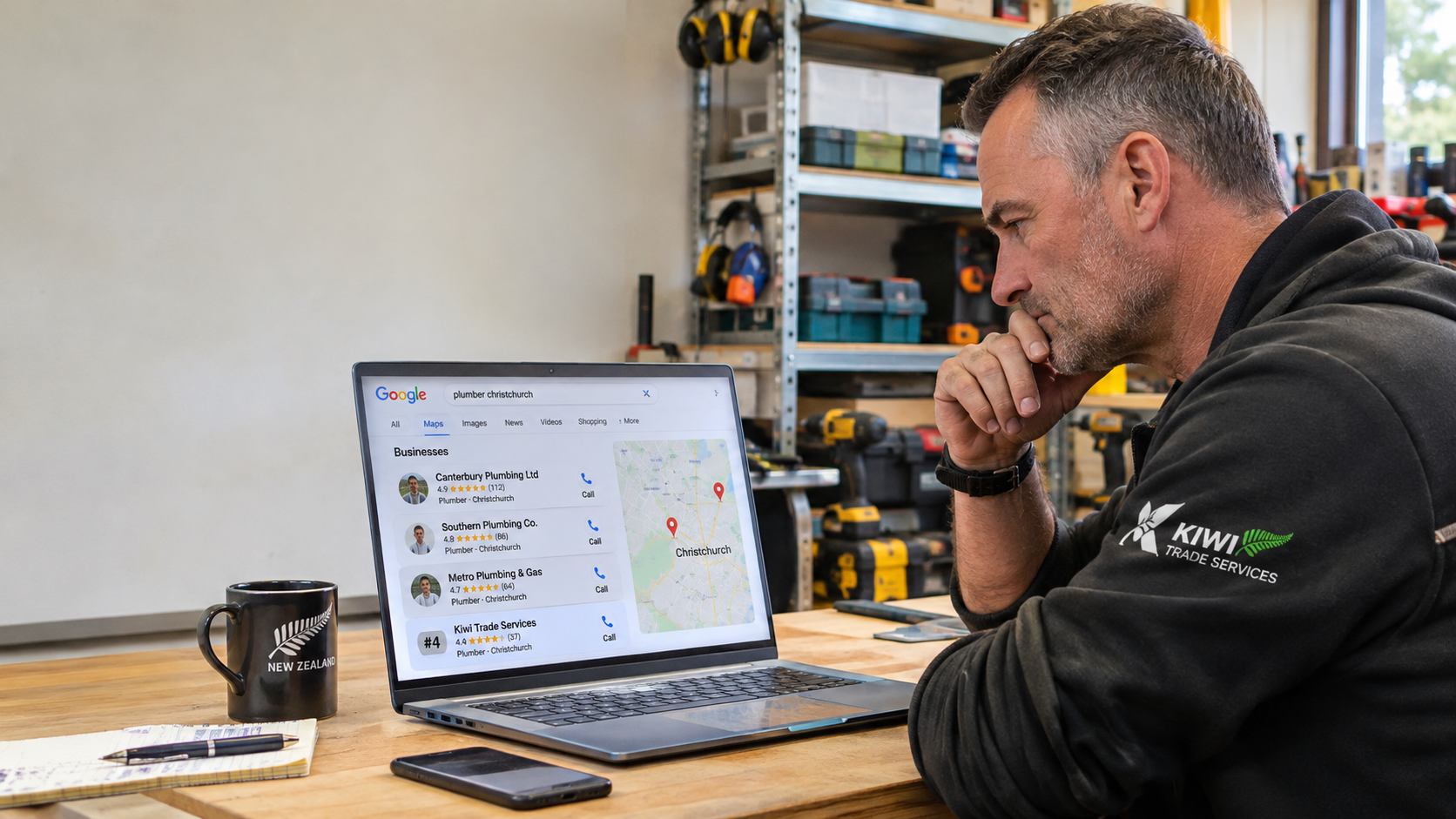
This is a subtitle for your new post